Total Commander Send/Receive 2.2
Description
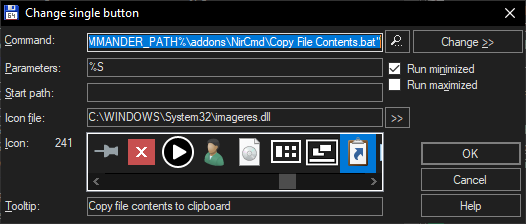
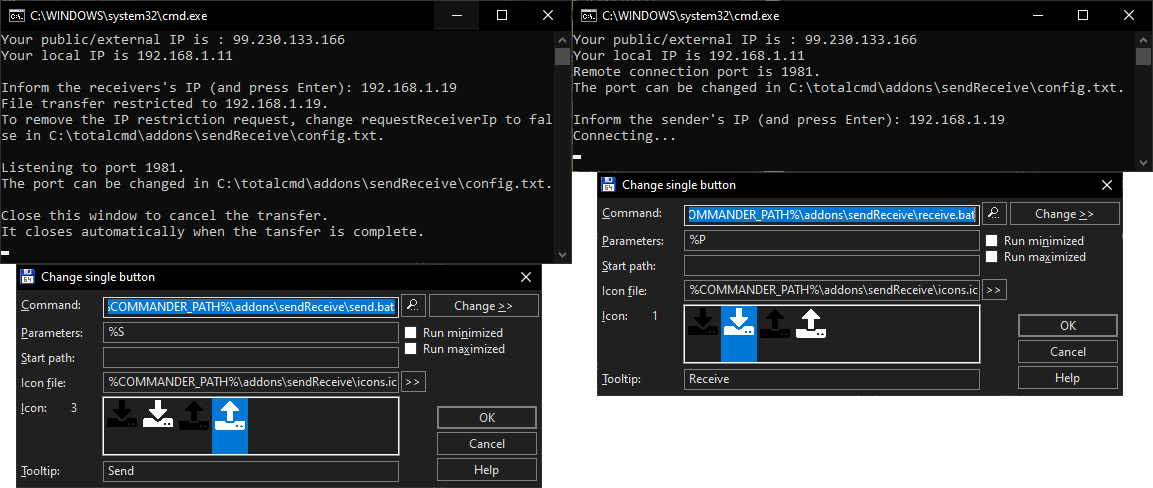
This addon uses a combination of tar pipes and netcat to send files or directories (up to 9 items selected in the same directory) over the network to another Total Commander PC.Send button (screenshot below):
- Command: %COMMANDER_PATH%\addons\sendReceive\send.bat
- Parameters: %S
- Icon file: %COMMANDER_PATH%\addons\sendReceive\icons.icl
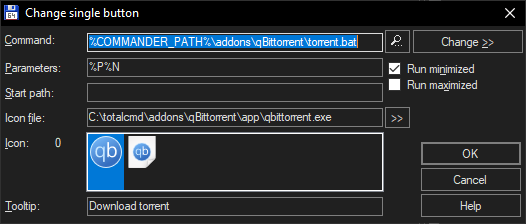
Receive button (screenshot below):
- Command: %COMMANDER_PATH%\addons\sendReceive\receive.bat
- Parameters: %P
- Icon file: %COMMANDER_PATH%\addons\sendReceive\icons.icl
It should work on Windows Vista/8/10.
To make it work on older Windows versions or transfer between Total Commander and Linux machines, please visit https://gitlab.com/pplupo/total-commander#total-commander-sendreceive for more detailed instructions.
By default, the sender will request the receiver's IP and won't allow any other IP to receive the content. If you want to change this behavior, open the "config.txt" file and change
requestReceiverIp=true
to
requestReceiverIp=false
After this change, the sender won't request the receiver's IP anymore. It will accept requests from any IP.
In the same "config.txt" file, you can also change the default port (it needs to be the same in the sender and the receiver):
port=1981
For suggestions or to report issues, please visit https://gitlab.com/pplupo/total-commander
What’s new
2.2
- Providing 32-bit and 64-bit versions of MSVCR100.dll with automatic architecture recognition for enhanced compatibility. This fixes the missing MSVCR100.dll message in some systems.
2.1
- Fixed corrupted icon.
2.0
- Fixed a bug that was limiting the speed of the transfers.
- Added a progress bar on the sender side.
- Added a list of files being received on the receiver side.
- Providing 32-bit and 64-bit versions of MSVCR100.dll with automatic architecture recognition for enhanced compatibility. This fixes the missing MSVCR100.dll message in some systems.
2.1
- Fixed corrupted icon.
2.0
- Fixed a bug that was limiting the speed of the transfers.
- Added a progress bar on the sender side.
- Added a list of files being received on the receiver side.