Java Plugin Interface 1.7
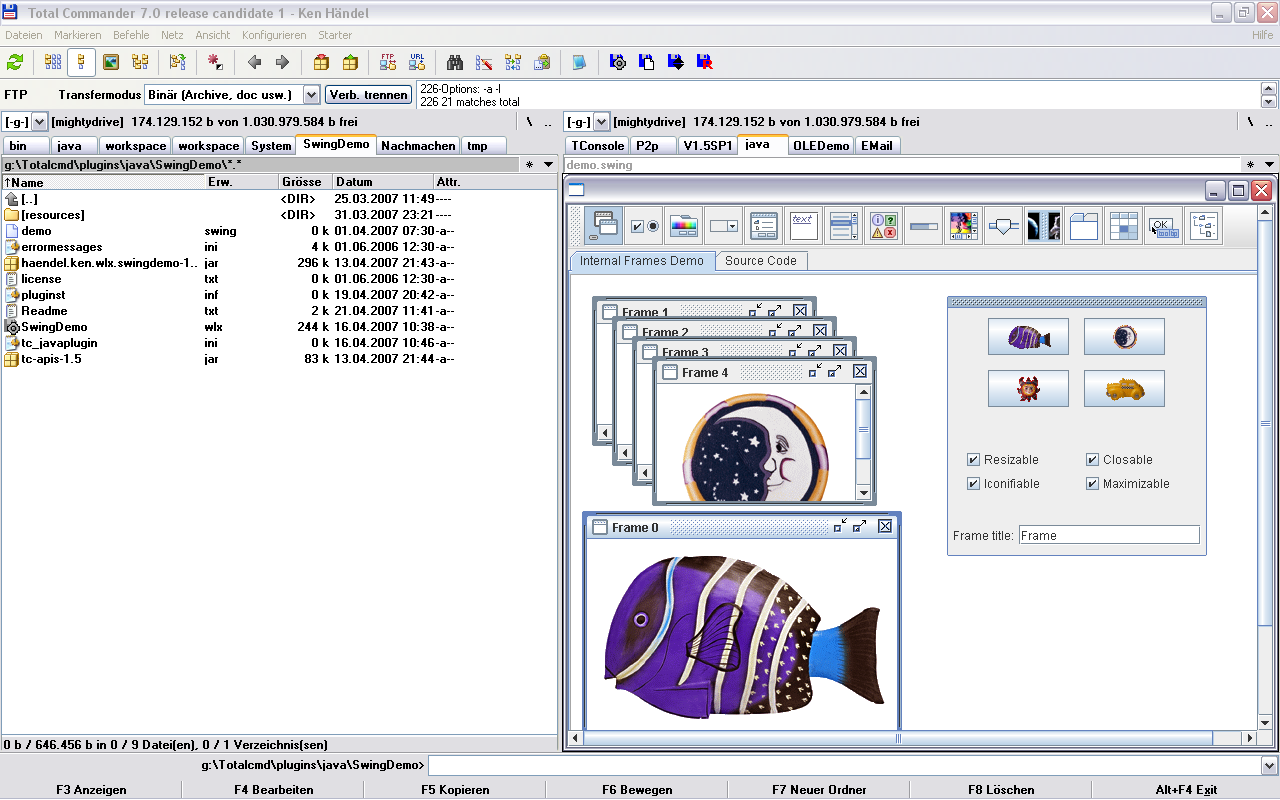
Description
Notice: This project is no longer active. A new version is available, maintained by another author: Java Plugin Interface 64 bitsThis Interface makes it possible to write Total Commander plugins (WLX and WFX, WDX and WCX) in Java.
Please send me your self-made plugin examples, suggestions and feedback.
Java API Documentation
Change Notes
The Plugin Writers Guide
My eMail
My Homepage
Features:
* All plugins share the same virtual machine.
* Each plugin is loaded by the PluginClassLoader
* Installation with Total Commander, simply extract archive with Total Commander (requires TC 6.5 or newer)
* Java Exception Handling in native code
* Java debugging with chainsaw
Required Java Software
1.
First install the Java Runtime Environment (JRE) 6 Update 2
Please use the latest available Java version,
because i want to use new Java features in my plugin examples.
2.
Then click on Download Button and install javalib and extract to the Total Commander Installation directory (e.g. C:/Program files/Totalcmd7).
Then you have javalib sub-directory required by any of the plugins.
3.
If JRE and javalib are installed, then go to the Java Plugin Examples Page
What’s new
Whats New:
* JLGui audio plugin
* video player plugin
* direct Swing support (embed JFrame)
* Java 1.6 support
* JIT (just-in-time) compiler is used (performance
* Many Bugfixes, e.g. JSID, DIRCBM, JCatalogue
* stacktrace shown, if exception in native code
* Java on USB stick possible
* Full support of Total Commander v7 SDK API
* Developer Documentation added
* User Documentation added (README.txt)
* Source Code included
TODO (what do you expect?):
* reduce memory consumption of some plugins
* more useful examples
* JLGui audio plugin
* video player plugin
* direct Swing support (embed JFrame)
* Java 1.6 support
* JIT (just-in-time) compiler is used (performance
* Many Bugfixes, e.g. JSID, DIRCBM, JCatalogue
* stacktrace shown, if exception in native code
* Java on USB stick possible
* Full support of Total Commander v7 SDK API
* Developer Documentation added
* User Documentation added (README.txt)
* Source Code included
TODO (what do you expect?):
* reduce memory consumption of some plugins
* more useful examples