TOTALCMD.NET
ENG RUS
Plugins › File System Plugins (WFX)

EvtList 0.7.8

File System Plugins (WFX) x64

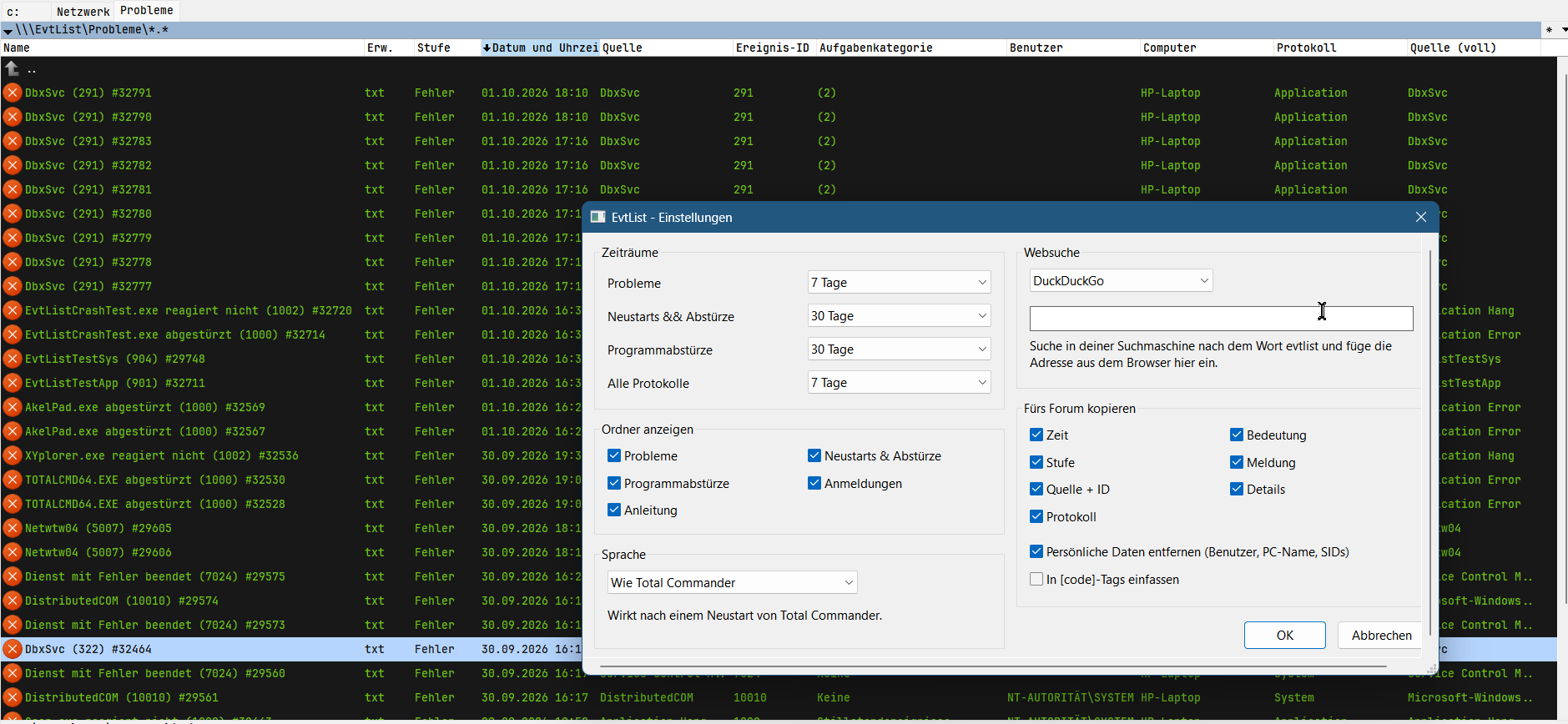
Screenshot: EvtList

Description

EvtList – Find crash reports

What it can do:

- Event Viewer as a folder in TC, read-only, 32- and 64-bit
- Folders organized by questions instead of log names: Problems, Restarts & Crashes, Program Crashes. The complete logs are available underneath in All Logs.
- Known events displayed in plain language, e.g. “Unexpected Restart” instead of “Kernel-Power 41” or “AkelPad.exe crashed” instead of “Application Error 1000”
- Icons for errors, warnings, and information, just like in Event Viewer
- F3 displays the event in a readable format, Enter opens the original event in Event Viewer
- Alt+Enter: search the web, copy for the forum (without user and PC names), “What happened at the same time?”
- Columns like in Event Viewer: Level, Date, Source, Event ID, Task Category, etc.
- Settings via right-click on EvtList > Properties: time periods, visible folders, search engine, language >>German, English, Russian, Ukrainian, Danish

The “Logons” log can only be read when TC is running as administrator. This is a Windows requirement, not a limitation of the plugin.

The Russian, Ukrainian, and Danish translations were done by me. If you speak one of these languages and would like to take a look over them, I would be very grateful.

What’s new

- Alt+Enter now works as expected
- Settings dialog without Scrollbars
- Code streamlined
More by Native2904

SnipClip 1.9

⚙️ Windows system Tools & Utilities x64

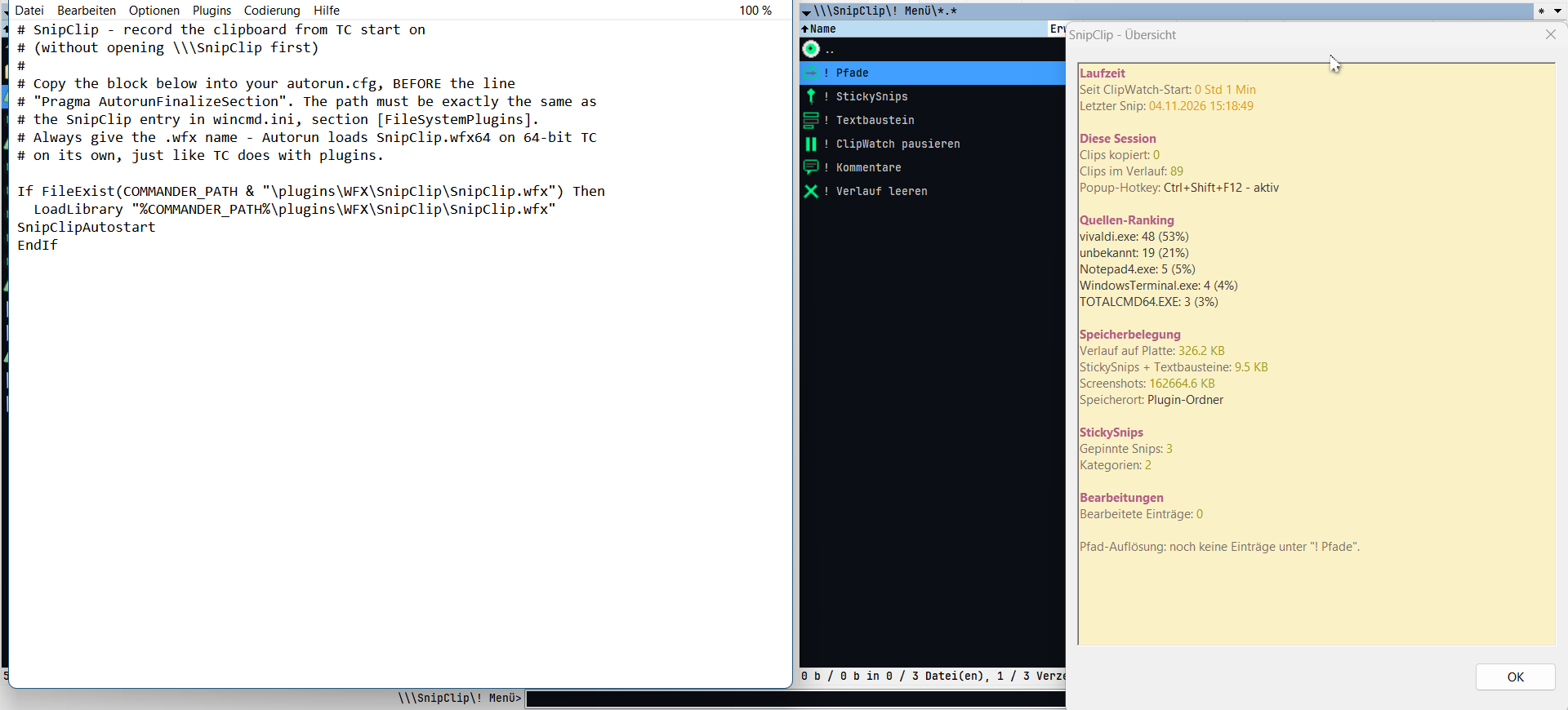
Turns the Total Commander clipboard into a searchable, permanent virtual panel with pinned StickySnips, merged text blocks, automatic screenshot capture and an F3 list editor.

Native2904 4 Nov 2026 ↓ 1,677

SpaceFit 1.0

📂 File operations Tools & Utilities Freeware x64

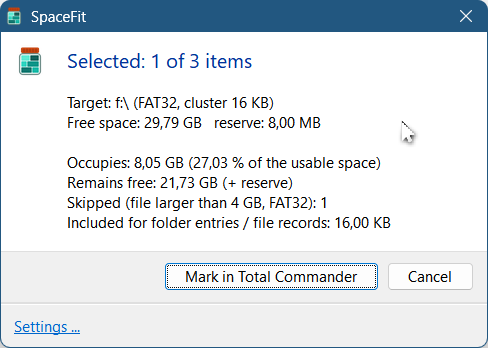
Fills a USB stick as full as possible, from the files you mark in Total Commander. Mark more on the left than will fit. SpaceFit finds the combination that fills the stick on the right best, and marks exactly those files. Then press F5. Done.

Native2904 1 Nov 2026 ↓ 129

RecentTab 1.6.1

📂 File operations File System Plugins (WFX) x64

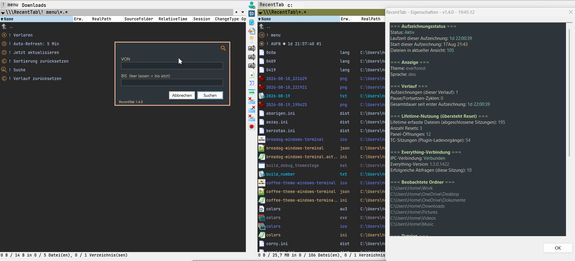
Shows recently changed or created files from your watched folders as a live virtual panel, powered by Everything. Includes time-range search, auto-refresh, lost file tracking, color themes and extra columns.

Native2904 11 Oct 2026 ↓ 1,124

StreamList 1.2.1

File System Plugins (WFX) x64

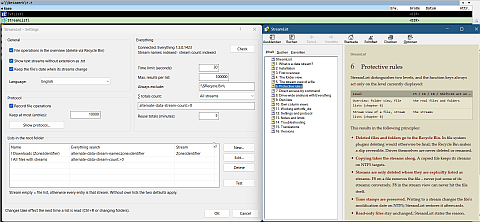
Shows NTFS alternate data streams of files and folders as normal entries, so you can view, edit, create, rename, copy and delete them, and remove Zone.Identifier download marks in bulk.

Native2904 8 Oct 2026 ↓ 374

Similar plugins

Mobile Devices 0.9.86.0

📱 Phones & devices File System Plugins (WFX) Freeware x64

Browses Android phones over MTP and iPhone/iPad files (DCIM photos, app documents with File Sharing), with fast directory listing, background F5/F6 copying and thumbnails.

chuikoff 10 Nov 2026 ↓ 2,273

TC Wiper 1.0.2 beta

📂 File operations File System Plugins (WFX) Freeware x64

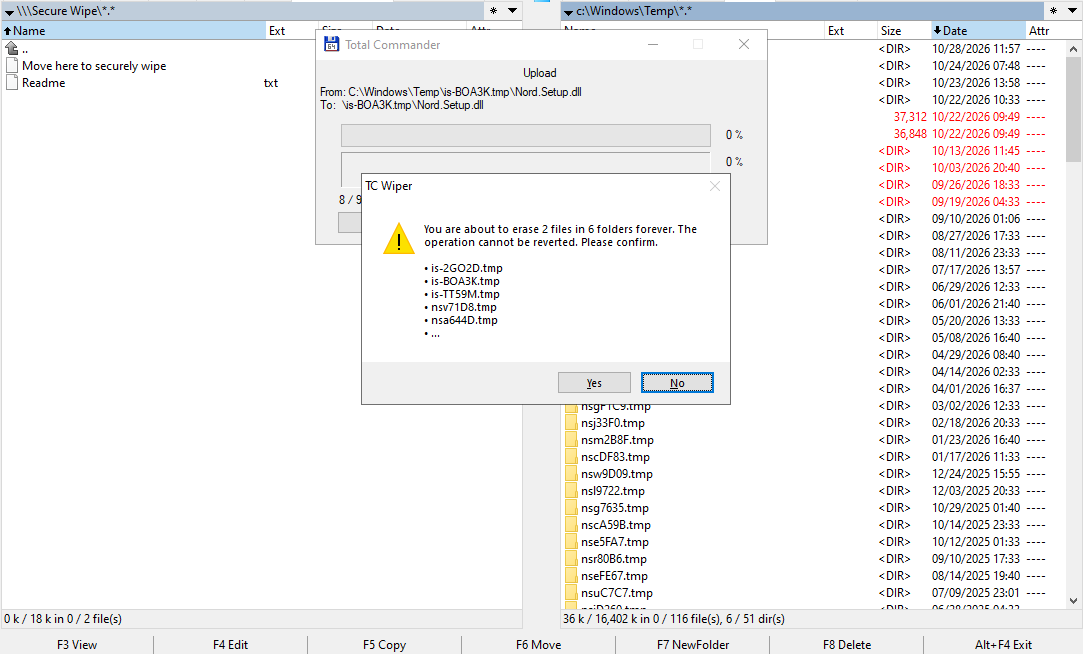
Securely wipes files and folders moved into its Network Neighborhood panel with F6: overwrites them with random data, including alternate streams, then renames and deletes them. Refuses system folders.

Andrei Piasetski 10 Nov 2026 ↓ 358

Android ADB 8.7

📱 Phones & devices File System Plugins (WFX) Freeware x64

Browses and manages files on Android devices over ADB via USB or WiFi, without the Android SDK. Handles apps, backups, screenshots, clipboard, logs and multiple devices, on rooted or non-rooted phones.

Jakub Klos 19 Nov 2019 ↓ 395,849

Versions WFX Plugin 3.1.14

🌐 Network, internet & cloud File System Plugins (WFX) Freeware x64

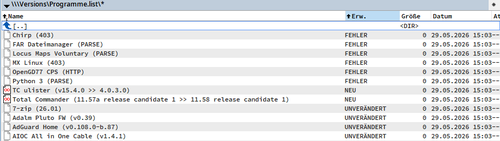
Checks program version strings on web pages from .list files and shows their status (new, unchanged, error) right in Total Commander. Supports HTTPS, Unicode and 64-bit builds.

Alexander Doeller 10 Nov 2026 ↓ 2,074

MultiTerminal COM TCP and SSH 0.2.5

File System Plugins (WFX) x64

Provides a serial COM port and TCP/Telnet terminal inside Total Commander, with text and hex output, ANSI colors, selectable encoding, timestamps and connection history. Works in its own window, Lister or Quick View.

Alexander Doeller 8 Nov 2026 ↓ 869