PlugExtDet – Tool to check and correct plugin entries in wincmd.ini 2.8.0
Description
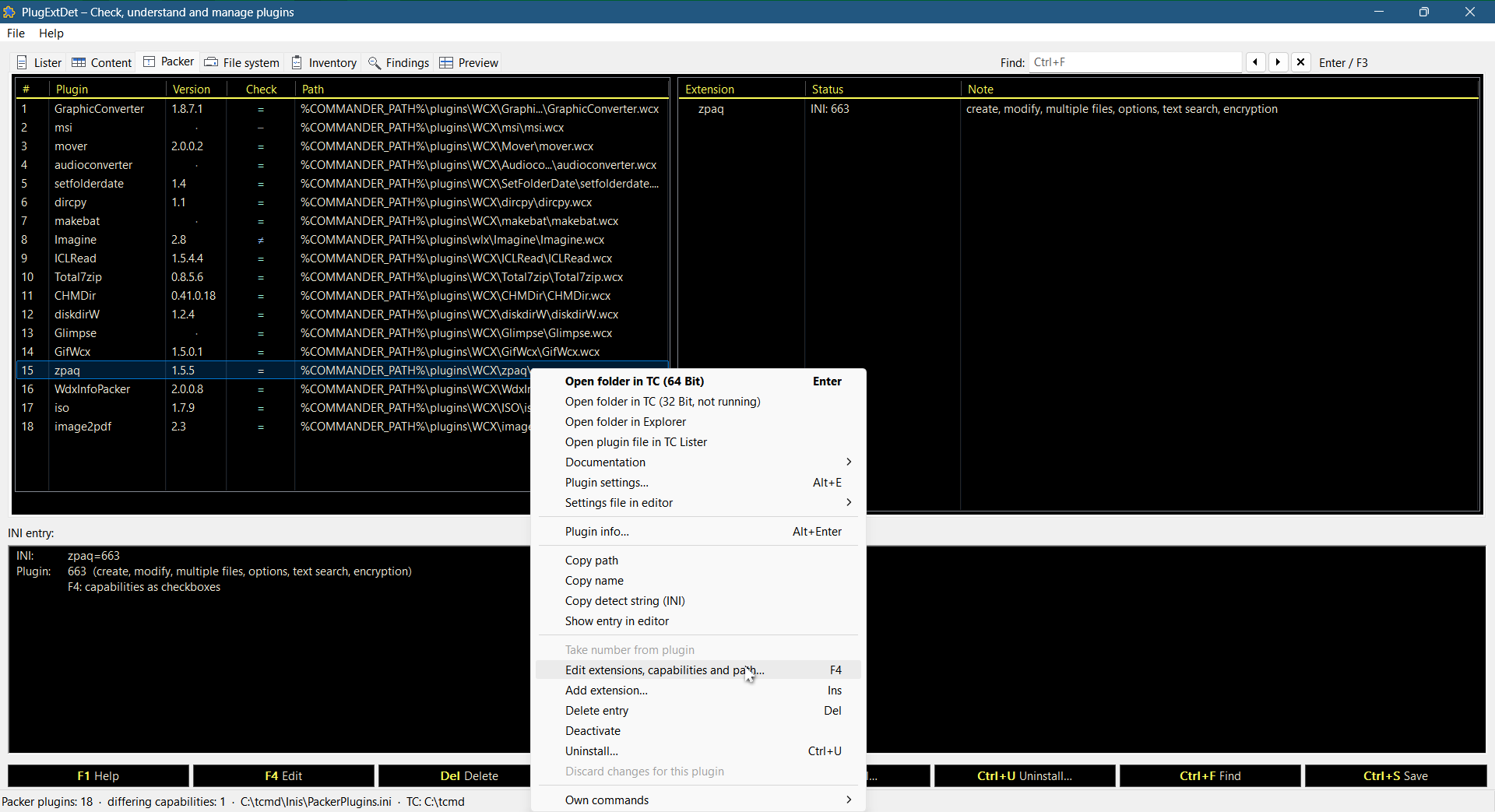
PlugExtDet is a standalone tool for Total Commander. It reads the Lister, Content, Packer and File system plugin entries from wincmd.ini (including redirected sections), asks each plugin which file types it supports and shows where the INI and the plugin differ.What’s new
Changes since 2.1.0:
- Install several plugins at once: select several archives (Ctrl+I or /install %P%S) - one window lists them all, unpacks and checks them in the background with a progress bar; untick what you don't want, "Details..." for single choices; one TC restart for all
- Uninstall several plugins at once: one dialog, one TC restart; plugin folders go to the Recycle Bin
- Optional: installation archive to the Recycle Bin after a successful install (remembered; not on network drives or USB sticks)
- Overview: right-click a tab - ranked lists of which plugin handles how many extensions, grouped by extensions, [MULTIMEDIA], [FORCE], conditions and [*]
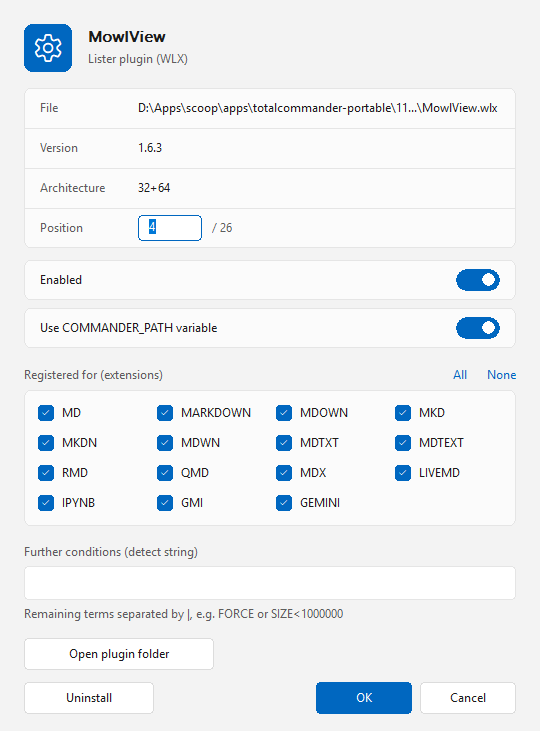
- Type a plugin's position: F2 or double-click the number in the # column; several selected plugins move as a block (thanks for the idea via Ko-fi)
- Help > Total Commander help: opens the matching page of TC's own help in TC's language; detect string syntax in the WLX SDK
- F4 editor: Tab completion for exclusions (!(EXT="..."), EXT!="...")
- Selected rows much easier to see: stronger colour, bar on the left, frame around the focus row - also with Windows colours
- Saving waits until TC has really ended, not only its window - TC can no longer overwrite the changes on exit
- Help checked against TC's own help and history.txt, with original quotes - English, German, French
- French translation of program and help by nsp
- All language files updated (cze, dan, fra, rus, ukr)
- No new imports