Tabster 1.0.0
Description
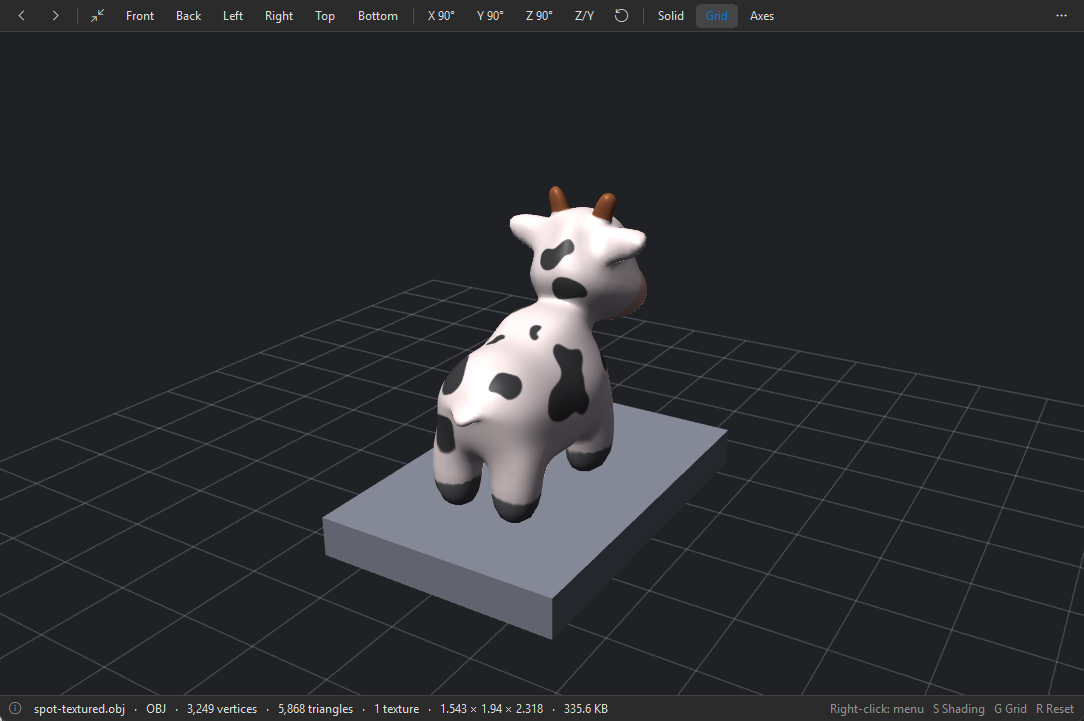
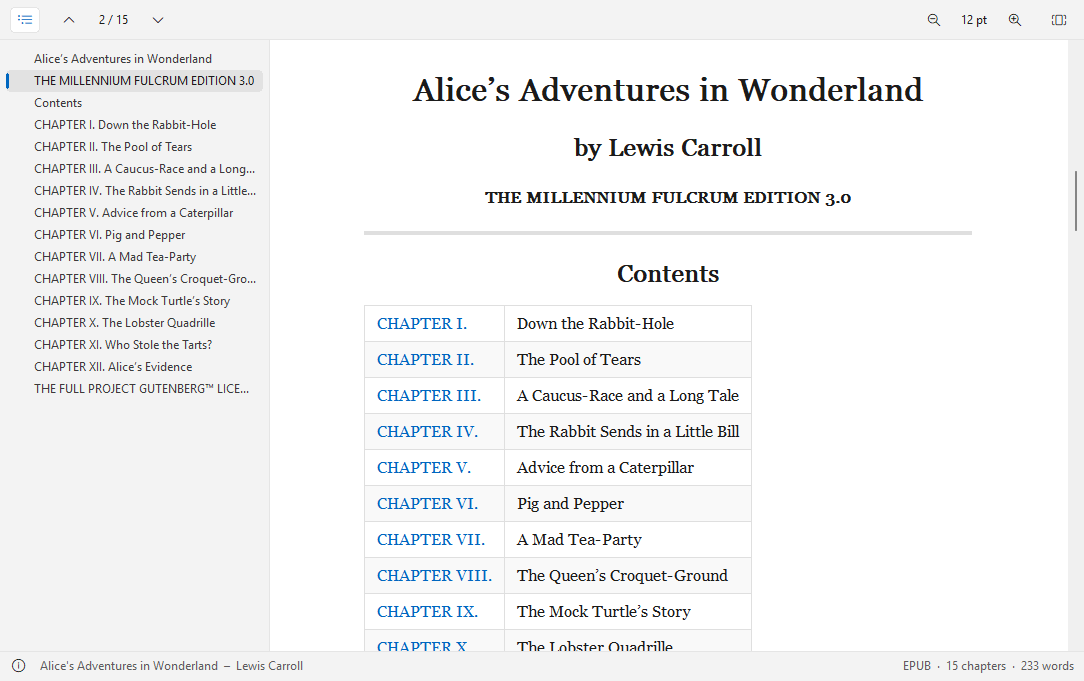
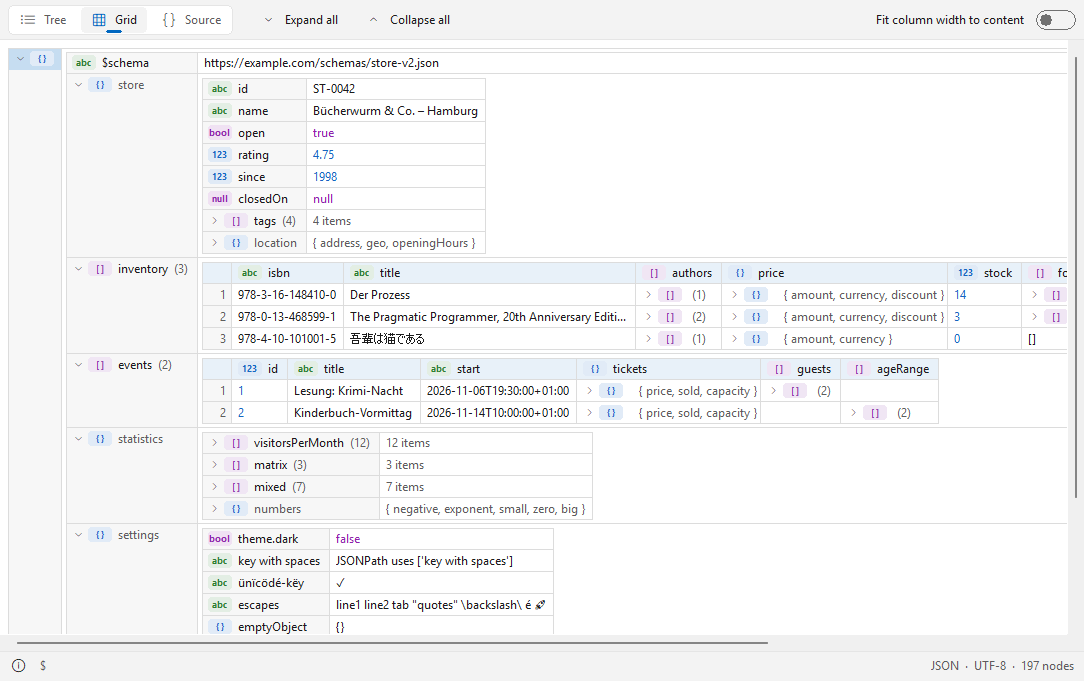
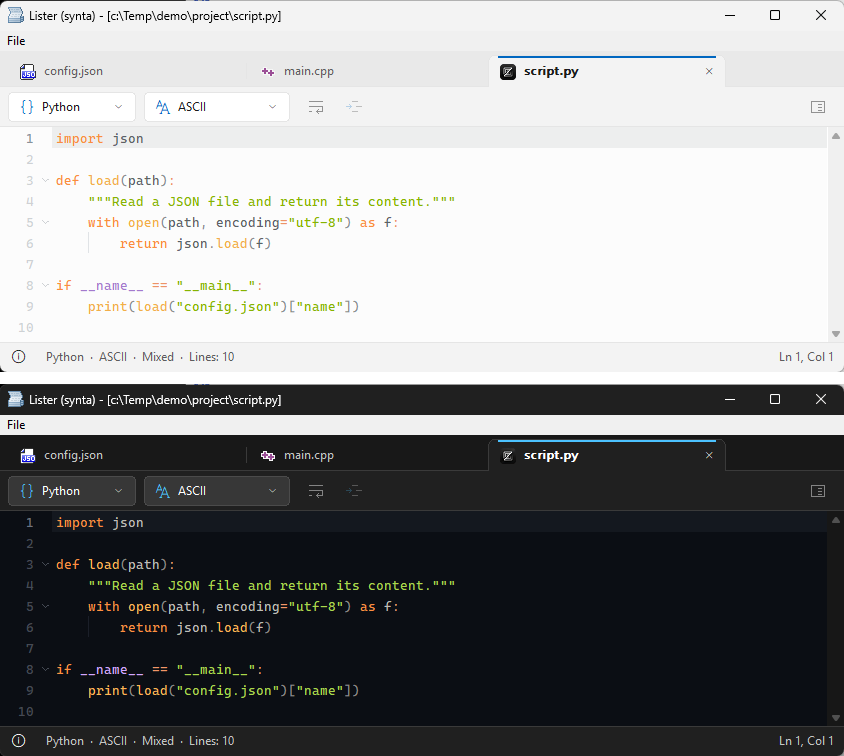
Tabster - tabs for Total Commander's Lister (32 and 64 bit)Press F3 on a second file while a Lister is open and both end up as tabs in one window. A single Lister stays an ordinary window; the tab bar appears with the second tab.
Installation
1. Open the ZIP in Total Commander (or double-click it) and let it install the plugin.
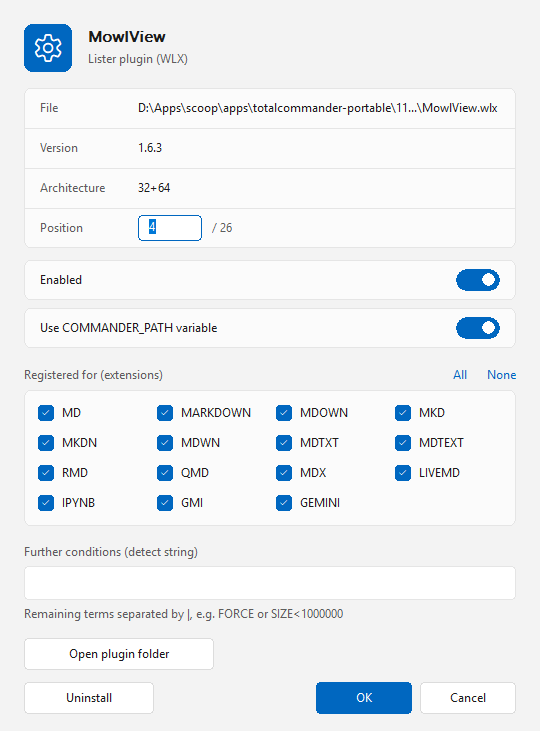
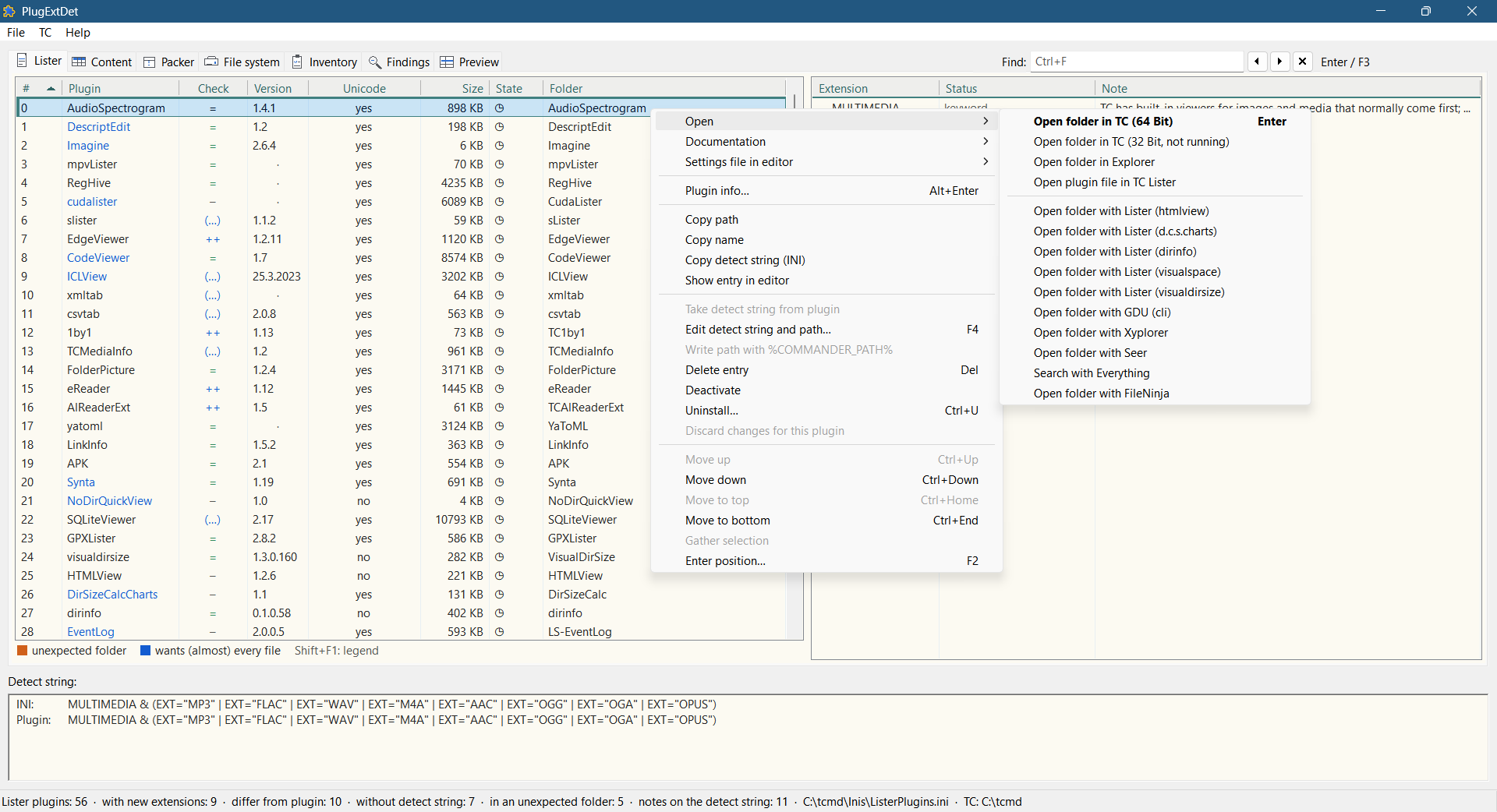
2. Configuration > Options > Plugins > Lister (WLX): move Tabster to the FIRST position. Tabster only notes the Lister window and lets the next plugin show the file, so it has to be asked first.
Use
- Click a tab to switch, middle click or the x button closes it, drag tabs to reorder, drag a tab out of the bar to open it in its own window.
- Esc (or any Lister close command) closes only the current tab; the window closes with the last tab.
- Ctrl+Tab / Ctrl+Shift+Tab (also Ctrl+PgDn / Ctrl+PgUp) next / previous tab, Alt+1..9 jump to a tab, Ctrl+W close tab, Ctrl+Shift+W close all, Shift+Esc open the tab in its own window, F11 maximize.
- Right click on the bar: close others / to the right, own window, copy path, show in Explorer, About.
Settings (Tabster.ini next to the plugin, created on first use; [Keys] takes e.g. CloseTab=Esc or None to switch an action off)
Theme (0 Windows, 1 light, 2 dark), TabPosition (Top, Bottom, Left, Right), TabHeight (default 32), MinTabWidth / MaxTabWidth (top and bottom bar), SideTabWidth (left and right bar, default 200; all sizes in pixels at 96 dpi), AlwaysShowTabs, CloseButton, InfoButton, WarnOnClose, OpenNextToCurrent, EscAction (0 closes the tab, 1 ignores Esc, 2 closes all tabs), AllowDuplicates (0 default: a file that is already open is not opened again, its tab is shown instead; 1 opens it again).
Developer: Ali Naderi – digitalent.dev
Freeware: free to use and to pass on unmodified; selling is not allowed.
What’s new
1.0.0 (2026-11-25)
- Press F3 on a second file, and both end up as tabs in one Lister window; a single Lister stays an ordinary window.
- Click, middle click, and Ctrl+Tab to switch and close tabs; drag to reorder; drag a tab out to open it in its own window.
- A file that is already open is not opened again; its tab is shown instead (switchable with AllowDuplicates)
- Tab bar at the top, bottom, left or right; light and dark design, configurable keys
- English and German user interface