Alternate Commander 0.1.933
Description
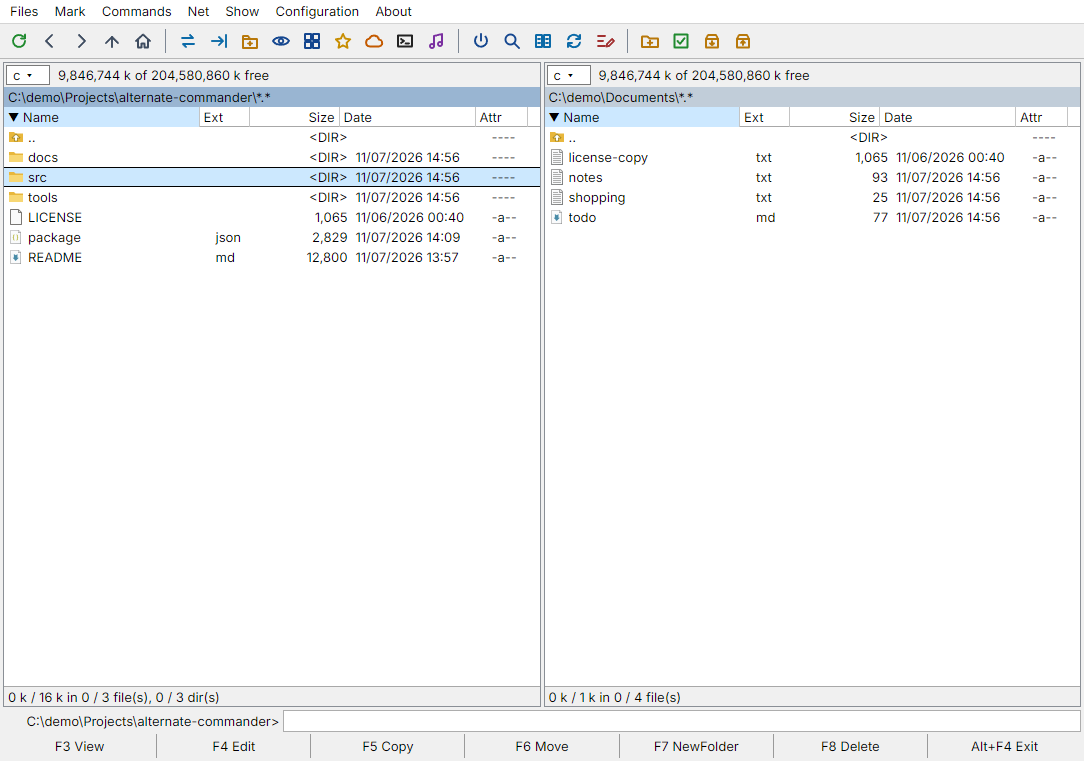
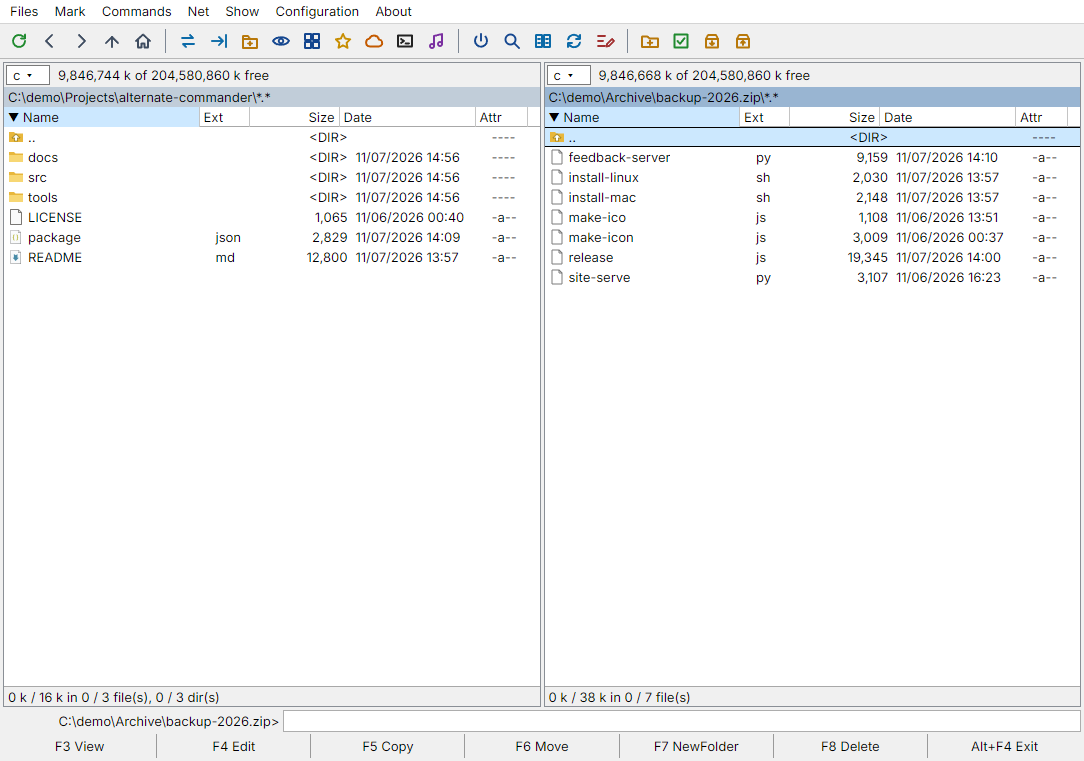
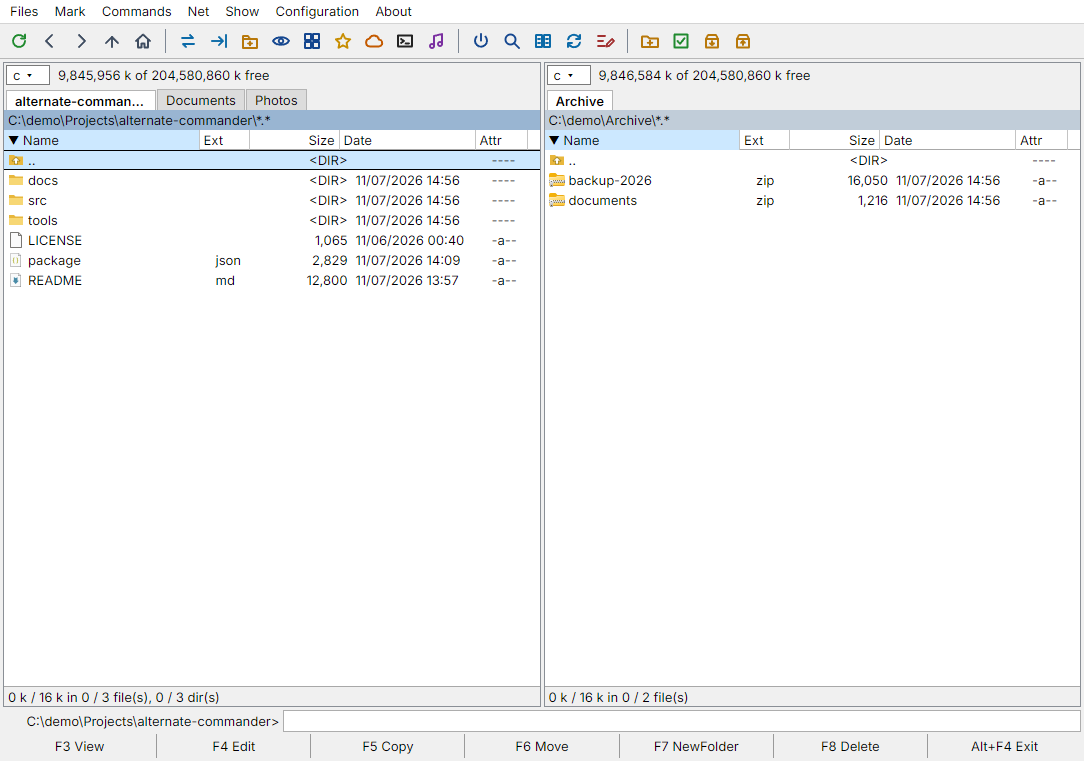
Alternate Commander is a free, open-source two-panel file manager in the style of Total Commander, for Windows 10/11 (64-bit), macOS and Linux. If you know Total Commander, the keys are the same: F3 view, F4 edit, F5 copy, F6 move, F7 new folder, F8 delete, Alt+F1/Alt+F2 drives, Ctrl+D hotlist, Ctrl+Q quick view, Alt+F7 search, Ctrl+M multi-rename.Features:
- two panels with tabs, a drive list with network drives and favourites, history and hotlist;
- archives as folders: zip, 7z, tar, tar.gz, rar, gz and others open like directories; packing and unpacking; zip files are edited in place, even on a remote server;
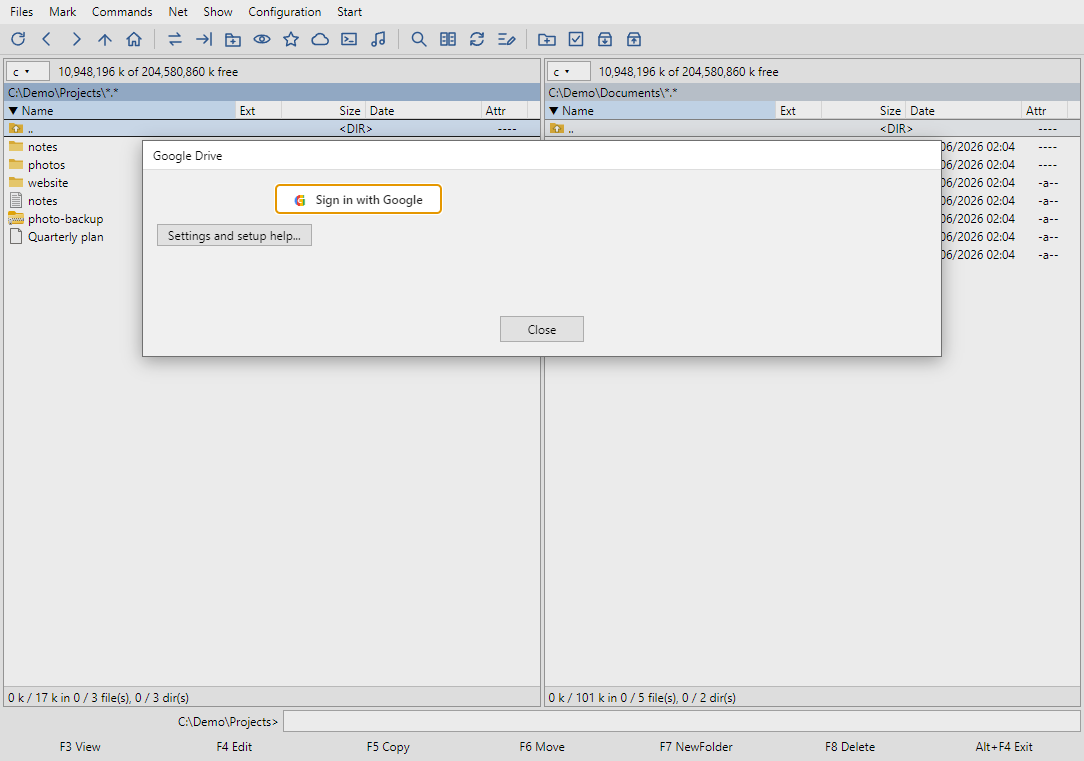
- cloud drives and servers as ordinary disks: Google Drive, Dropbox, Synology NAS (also through QuickConnect), SSH/SFTP with a real terminal console. Files go directly between your computer and the service;
- Find Files with masks, regular expressions and text search inside files and archives;
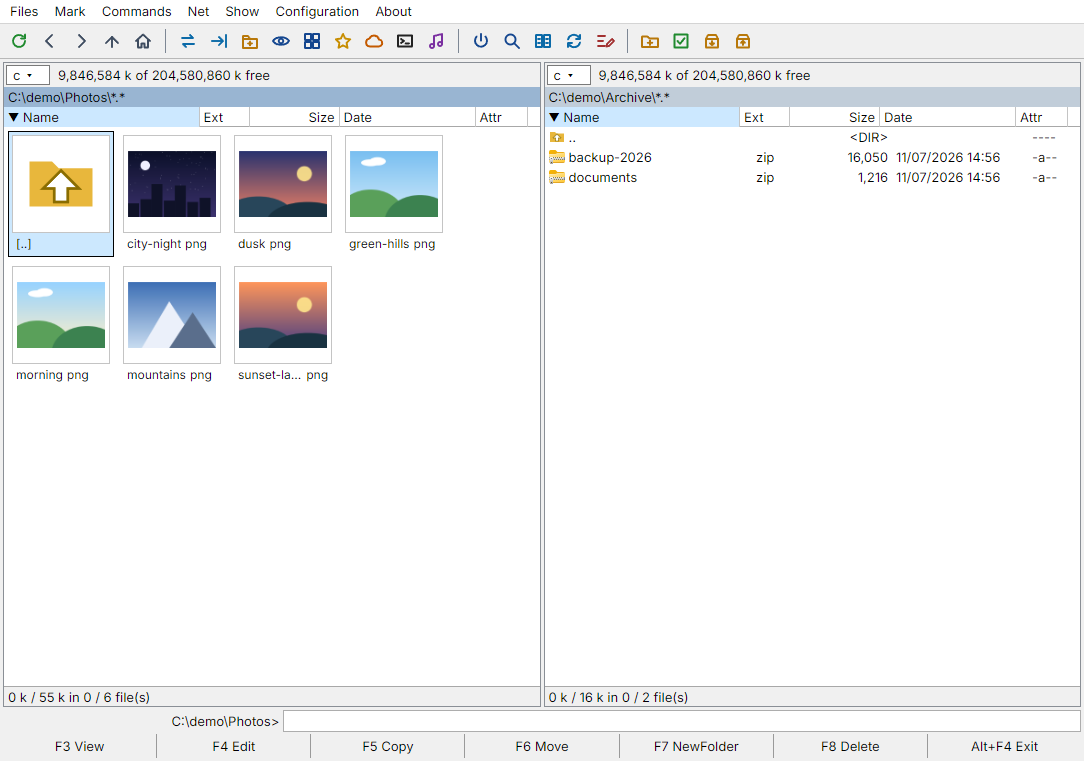
- built-in viewer and player: text with encoding detection, hex, images, PDF, Office documents, video and audio (FLAC, MP3, WAV and more; ffmpeg is included); editor with find and replace;
- folder compare and synchronisation, multi-rename;
- 8 interface languages, built-in help, self-update (Configuration > Check for Updates).
The download is the portable Windows version (103 MB, no installation). Builds for macOS and Linux and a lighter C++ preview are on the author's site: https://altcom.cc
The program is not code-signed yet: if Windows SmartScreen warns you, choose "More info" > "Run anyway".
An unofficial project: it is not affiliated with or endorsed by Total Commander / Ghisler Software.
License: MIT. Source code: https://github.com/powervac/Alternate-Total-Commander