Code Viewer 1.7
Description
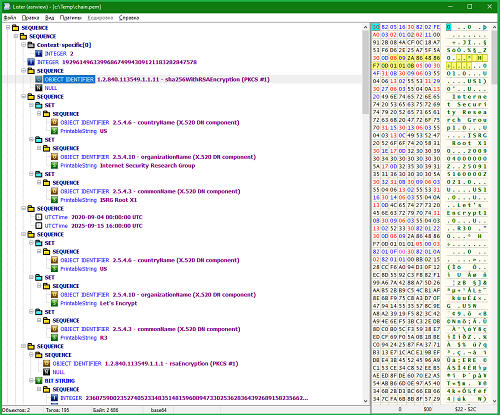
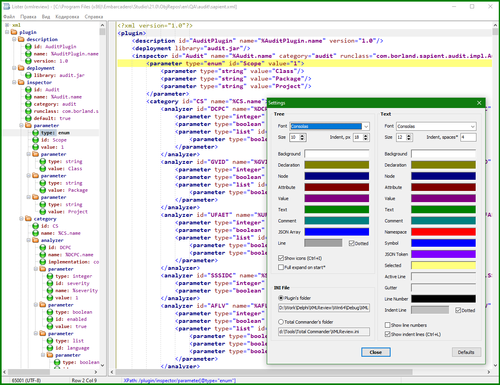
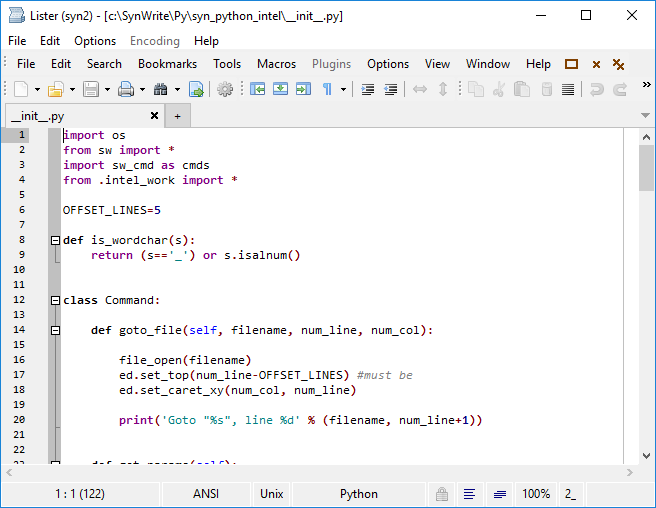
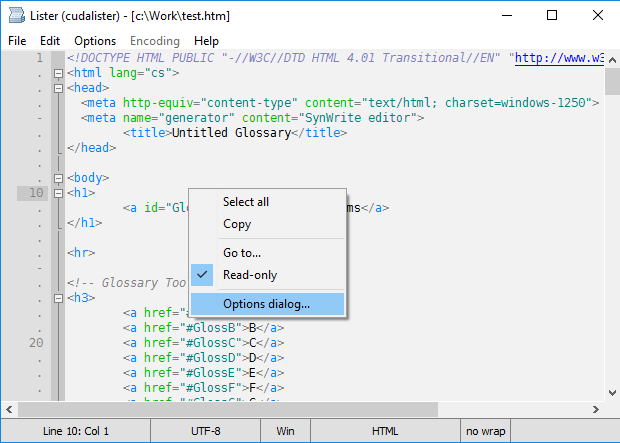
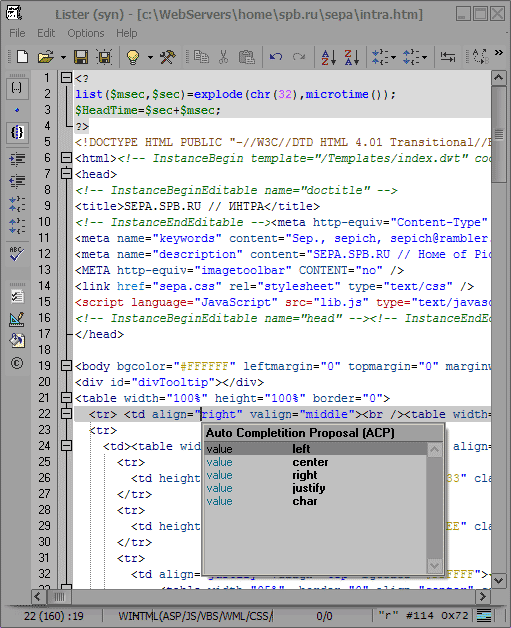
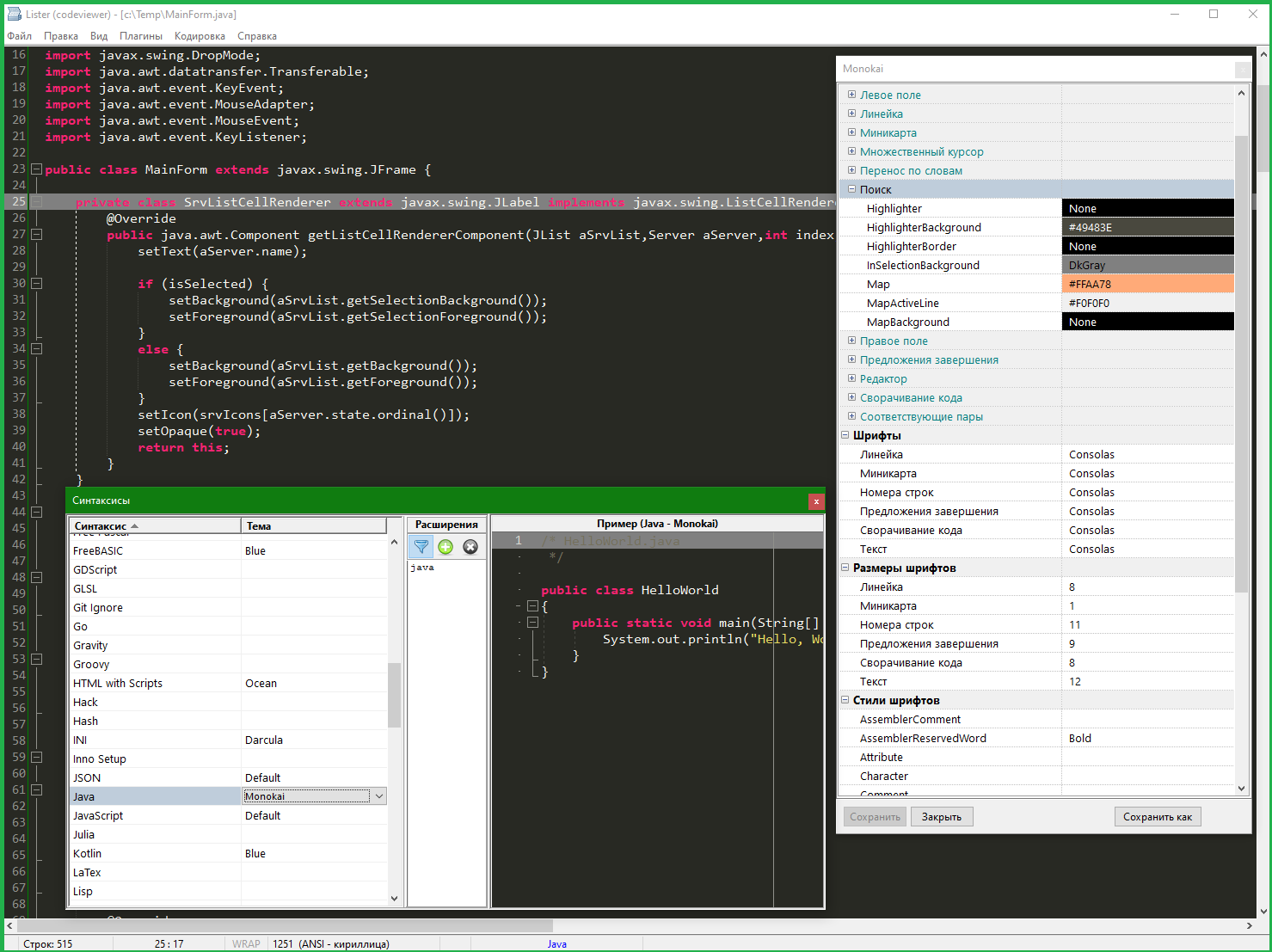
Plugin for viewing source code with syntax highlighting. An interface is provided for configuring file associations and color schemes. Based on the TTextEditor component from Lasse Rautiainen.What’s new
Version 1.7
- Added Hungarian language (thanks to KaKaDu)
Version 1.7
- UI Styles are also available for light mode
- New highlighter Sal.json (The SemWare Application Language) from Joe Berry
- Added the Ukrainian language
- Other improvements and fixes
Version 1.6
- Improved scrolling in the non-cursor mode.
- Fixed an error with ruler positioning.
- Other fixes.
Version 1.5
- Added German (thanks to Tycho Barfy)
- Fixes
Version 1.4
- Fixed a bug where plugin UI styles affected the coloring of the TC itself.
- The font selection list shows all fonts, not just monospaced ones.
- Other improvements and fixes.
Version 1.3
- In the theme editor, you can select and delete themes. Copy/Paste in the theme editor.
- The "Keep file modification date" setting and some others.
- In read-only mode, you can use Key instead of the Alt+Key combination.
- The automatic encoding detection has been improved.
- The dark theme for menus and messages has been improved.
- Other improvements and fixes.
Version 1.2
- Settings for saving request, auto-detection of encoding, line wrapping, etc.
- The general background setting has been added to the theme editor. The color selection dialog can be opened by pressing RMB. Expanded the list of predefined colors.
- Color settings for special characters.
- The dark interface styles are placed in a separate folder. You can add/remove your own styles.
- String selection based on regular expressions (independently from highlighter).
- Other improvements and fixes.
Version 1.1
- Dark mode. Setting the default theme separately for dark and light mode.
- Auto-detection of OEM encoding.
- You can open any file regardless of the extension (optional).
- Replace dialog.
- New highlighters Autorun.json and Hash.json from Loopback and tcm.
- Other improvements and fixes.
- Added Hungarian language (thanks to KaKaDu)
Version 1.7
- UI Styles are also available for light mode
- New highlighter Sal.json (The SemWare Application Language) from Joe Berry
- Added the Ukrainian language
- Other improvements and fixes
Version 1.6
- Improved scrolling in the non-cursor mode.
- Fixed an error with ruler positioning.
- Other fixes.
Version 1.5
- Added German (thanks to Tycho Barfy)
- Fixes
Version 1.4
- Fixed a bug where plugin UI styles affected the coloring of the TC itself.
- The font selection list shows all fonts, not just monospaced ones.
- Other improvements and fixes.
Version 1.3
- In the theme editor, you can select and delete themes. Copy/Paste in the theme editor.
- The "Keep file modification date" setting and some others.
- In read-only mode, you can use Key instead of the Alt+Key combination.
- The automatic encoding detection has been improved.
- The dark theme for menus and messages has been improved.
- Other improvements and fixes.
Version 1.2
- Settings for saving request, auto-detection of encoding, line wrapping, etc.
- The general background setting has been added to the theme editor. The color selection dialog can be opened by pressing RMB. Expanded the list of predefined colors.
- Color settings for special characters.
- The dark interface styles are placed in a separate folder. You can add/remove your own styles.
- String selection based on regular expressions (independently from highlighter).
- Other improvements and fixes.
Version 1.1
- Dark mode. Setting the default theme separately for dark and light mode.
- Auto-detection of OEM encoding.
- You can open any file regardless of the extension (optional).
- Replace dialog.
- New highlighters Autorun.json and Hash.json from Loopback and tcm.
- Other improvements and fixes.