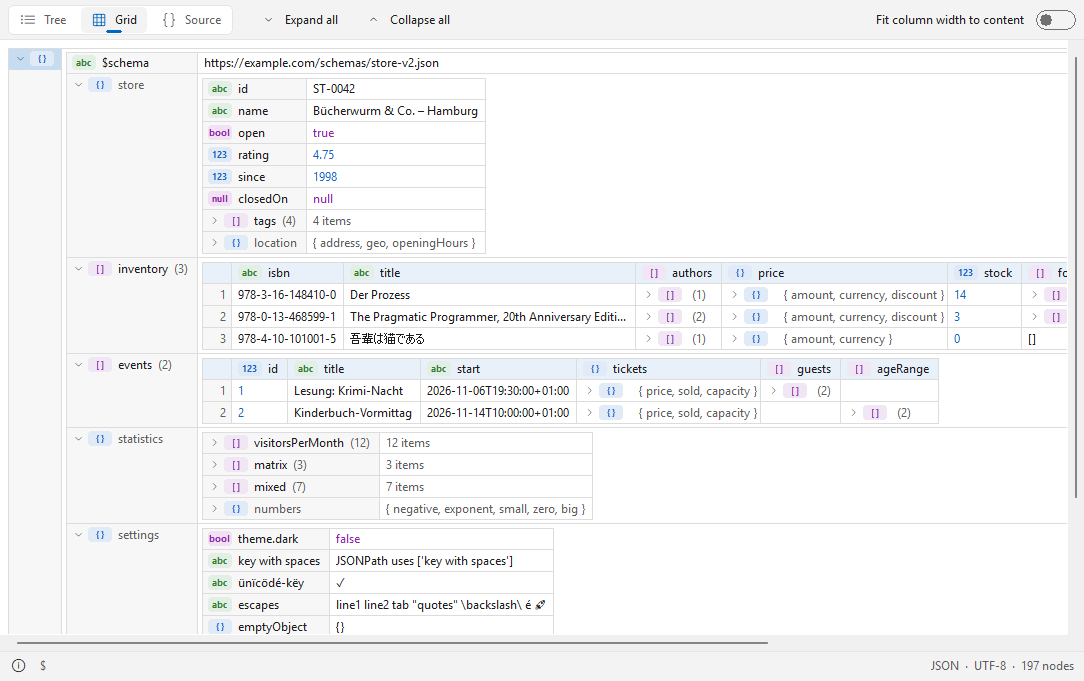
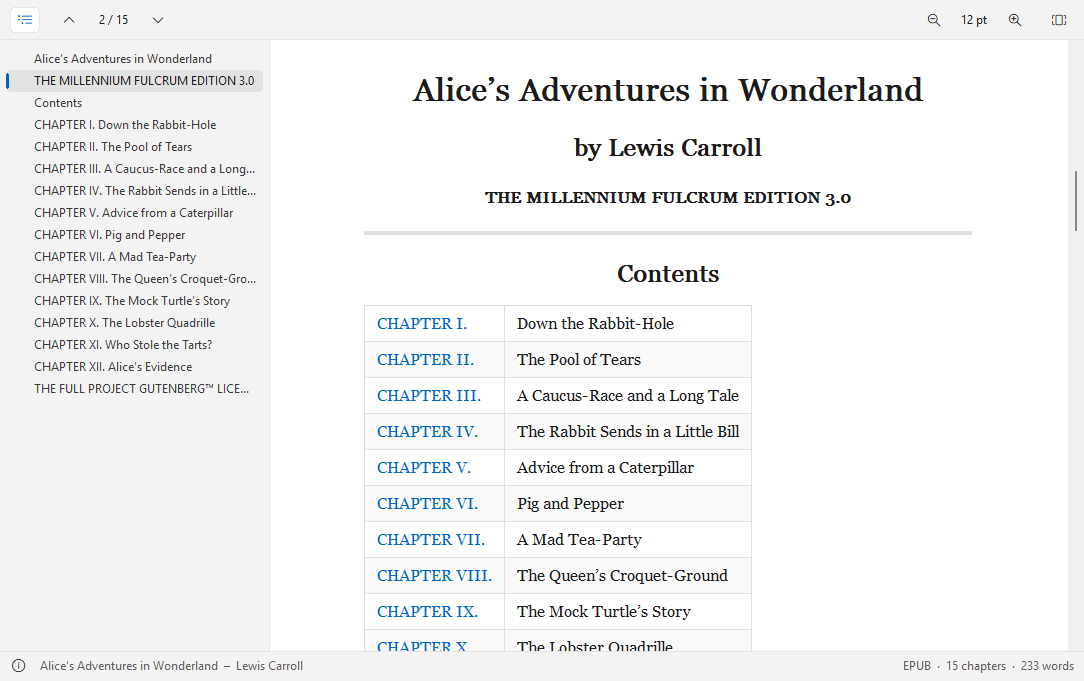
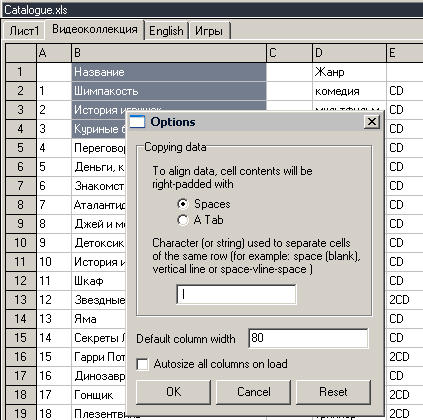
MowlView 1.0.0
Description
MowlView 1.0.0 – Markdown viewer (Lister plugin) for Total Commander, 32 and 64 bitMowlView shows Markdown documents in Total Commander's Lister (F3) the way they are meant to look: with headings, tables, code, images and links – or, at the press of a key, as source code with syntax highlighting. Native and fast, no browser engine, no runtime, nothing to install besides the plugin.
Supported files
- Markdown: .md, .markdown, .mdown, .mkd, .mkdn, .mdwn, .mdtxt, .mdtext, .mdx, .livemd
- R Markdown and Quarto: .rmd, .qmd (YAML front matter as a collapsible box)
- Jupyter notebooks: .ipynb (Markdown cells, code cells with execution count, text and image outputs)
- Gemini Gemtext: .gmi, .gemini
Features
- CommonMark with the GitHub extensions: tables, task lists, strikethrough, autolinks, footnotes and alerts (NOTE, TIP, IMPORTANT, WARNING, CAUTION).
- Inline HTML and HTML blocks: kbd, sub, sup, centred images and collapsible details sections.
- Syntax highlighting in code blocks (C/C++, C#, Java, JavaScript/TypeScript, Python, Rust, Go, JSON, diff and many more).
- Pictures from local files: PNG, JPEG, GIF, BMP, TIFF, ICO (WebP/HEIC with the Windows codecs), scaled in high quality.
- Two views: Preview (Ctrl+1) and Code (Ctrl+2) with syntax highlighting and optional word wrap (Ctrl+W).
- Clickable links: jumps within the document, other files and web addresses; "Go to heading" in the context menu.
- Right-to-left text (Arabic, Hebrew, Persian) is detected per paragraph and gets its own font.
- Text selection with the mouse, Ctrl+A and Ctrl+C; search with Total Commander's Find (F7).
- Zoom with Ctrl+plus/minus or Ctrl+mouse wheel, Ctrl+0 resets.
- Selectable fonts for text, right-to-left text and code.
- Light and dark design: automatic like Windows, or fixed; Windows 11 look.
- Status bar with format, encoding and word or line count.
- Text encodings: UTF-8, UTF-16 (with or without BOM), Windows-1252.
- User interface in English and German (follows the Windows language).
Installation
Open MowlView.zip in Total Commander and confirm the installation. Settings are stored in MowlView.ini next to the plugin.
Requirements
Total Commander 32 or 64 bit, Windows 10 or 11.
Developer: Ali Naderi – digitalent.dev
Freeware: free to use and to pass on unmodified; selling is not allowed.